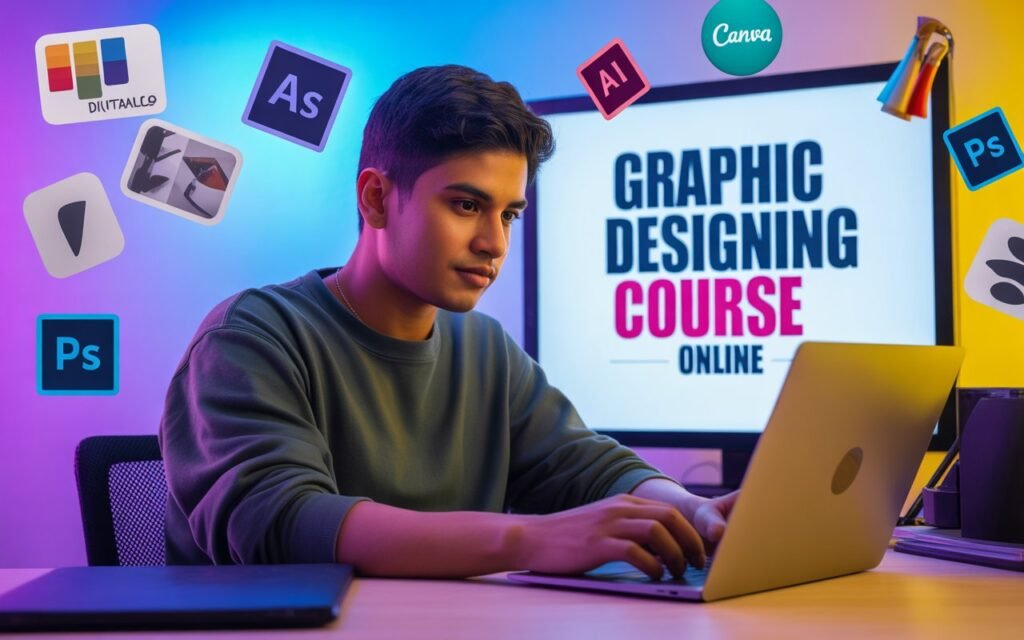
Graphic Designing Course Online – Best Platforms & Career Opportunities
Complete Hindi guide for students: course types, fees, syllabus, best platforms (free & paid), skills to learn and career roadmap—from freelancer to full-time designer.
Intro: Graphic Designing क्या है? (संक्षेप में)
Graphic Designing एक creative field है जहाँ visual elements (Images, Typography, Layout, Colour theory) का उपयोग करके communication design किया जाता है। यह advertisements, websites, social media posts, logos, packaging, infographics, और digital products के लिए जरूरी होता है।
क्यों students के लिए अच्छा विकल्प? Low investment, high demand (digital marketing, startups, small businesses), remote work और freelancing के जरिए जल्दी income शुरू की जा सकती है।
Course Types: कौन-कौन से Graphic Designing courses मिलते हैं?
Online courses कई तरह के होते हैं—beginner foundation से लेकर advanced specialization तक। नीचे मुख्य प्रकार दिए गए हैं:
- Short Skill Courses (4–8 weeks): Basic tools (Photoshop/Illustrator), logo design, social media graphics.
- Comprehensive Courses (3–6 months): UI/UX basics, branding projects, portfolio assignments.
- Professional Diploma/Certificate (6–12 months): In-depth modules, live projects, mentor support.
- Specializations: Motion Graphics, UI/UX, Illustration, Packaging Design, Typography.
- Free Courses: Basic tutorials on YouTube, Swayam और platform free trials.
छात्रों के लिए recommended approach: पहले free material से fundamentals समझें → फिर एक structured paid course + portfolio projects करें।
Best Online Platforms (Free & Paid) — कहाँ से सीखें?
नीचे कुछ popular और reliable platforms दिए गए हैं जिन पर students के लिए courses उपलब्ध हैं:
Coursera
University-backed courses, specialization certificates, industry projects. Good for credible certificates.
Udemy
Budget-friendly courses, lifetime access, practical projects. अक्सर heavy discounts मिलते हैं।
Skillshare
Short hands-on classes, creative projects, community feedback—best for illustrators and creatives.
Google / Meta / Adobe Tutorials
Tool-specific tutorials and certifications (Adobe provides tutorials; Adobe Certified Expert program valuable).
Canva Design School
Beginner friendly, fast results for social media graphics; free & paid learning paths.
Tip: किसी course को join करने से पहले course syllabus, instructor reviews और projects जरूर देखें।
Typical Syllabus & Core Skills – क्या-क्या सीखना चाहिए?
एक अच्छा graphic design course इन मुख्य topics को cover करेगा:
1. Design Fundamentals
Color theory, composition, balance, contrast, alignment, visual hierarchy, typography basics.
2. Software Tools
- Adobe Photoshop – Image editing, photo manipulation
- Adobe Illustrator – Vector graphics, logos, icons
- Adobe InDesign – Brochures, magazines, print layout
- Figma / Adobe XD – UI/UX and prototyping (web & mobile)
- Canva – Quick social media graphics
3. Production & Output
File formats (PNG, JPG, SVG, PDF), print bleed & resolution, export settings for web and print.
4. Brand & Identity Design
Logo design process, brand guidelines, color palettes, moodboards, client briefs.
5. UX/UI Basics (Optional but high demand)
Wireframing, prototyping, user testing basics — designers with UI skills often get better pay.
6. Motion Graphics (Optional)
After Effects basics, short animations for social posts and ads.
Practical Projects should include: Logo pack, Social media kit, Poster, Brochure, Website mockup, Case study (explaining design decisions).
Fees & Duration — कितना खर्च आएगा?
Fees platform और course level पर depend करती है:
- Free: YouTube, Canva Learn, Swayam — basic skills के लिए पर्याप्त।
- Budget Paid (₹500–₹3,000): Udemy style short courses (sales पर cheap)।
- Medium (₹5,000–₹30,000): 3–6 months structured courses with projects और certificate।
- Professional Diploma (₹30,000–₹1,50,000): Live mentorship, placement support, longer durations।
Student discount, scholarships और EMI options देखना मत भूलें।
Career Opportunities & Expected Salary (India)
Graphic design से career paths काफी diverse हैं — नीचे मुख्य roles और आम salary ranges दिए जा रहे हैं (approx.)
- Junior Graphic Designer: ₹12,000–₹25,000/माह (entry level)
- Mid-level Designer / UI Designer: ₹25,000–₹60,000/माह
- Senior Designer / Art Director: ₹60,000–₹1,50,000+/माह
- Freelancer: Project के अनुसार ₹2,000–₹50,000+ per project (logo to brand package)
- Motion Designer / UX Designer: Higher demand, better packages especially in IT/startups
Note: Salary experience, portfolio strength और city (Mumbai, Bengaluru, Delhi ZIPs higher) पर depend करेगा।
Freelancing & Portfolio: कैसे शुरू करें?
Freelancing सबसे तेज़ रास्ता है income generate करने का — लेकिन portfolio होना बेहद जरूरी है।
Portfolio बनाते समय ध्यान रखें:
- Realistic case studies बनाएं — problem, approach, final design और results दिखाएँ।
- Minimum 6–8 strong projects रखें: logo, poster, social kit, website mockup, packaging.
- Behance और Dribbble पर profiles बनाएं।
- Freelance marketplaces: Fiverr, Upwork, Freelancer — small projects से शुरुआत करें।
- Local businesses और NGOs के लिए pro bono काम कर के testimonials लें।
Freelancing tip: First 10 clients पर focus करिए — समझें client brief और timely delivery. Repeat clients ही long-term income देते हैं।
Step-by-step Roadmap for Students (0 से Pro तक)
सिंपल roadmap जो विद्यार्थी follow कर सकते हैं:
- Week 1–4: Design fundamentals + basic Photoshop & Canva tutorials.
- Month 2–3: Illustrator basics, vector design, logo making projects.
- Month 4–6: Complete a structured course (Udemy/Coursera) and 3–4 portfolio projects.
- Month 6–9: Start freelancing: Fiverr/Upwork, local clients; collect testimonials.
- Year 1 onward: Specialize (UI/UX/Motion), apply for internships, build brand and passive income streams (templates, courses).
Daily practice: 1–2 design exercises + critique. Weekly: publish 1 portfolio piece.
Essential Tools & Resources (Must Learn)
- Adobe Photoshop (image editing)
- Adobe Illustrator (vector art, logos)
- Figma / Adobe XD (UI/UX design)
- Canva (fast social graphics)
- After Effects (basic motion graphics)
- Google Fonts, Unsplash (resources)
- Behance, Dribbble (portfolio)
Free Resources: Unsplash, Google Fonts, Canva.
FAQ — Graphic Designing 2025
Haan—entry level graphic designer, social media designer, UI designer (agar UI sikha ho), freelancing, internship and agency roles mil sakte hain. Portfolio aur projects par depend karta hai.
Photoshop (image editing) aur Illustrator (vector) dono basics sab designers ko aani chahiye. Figma UI ke liye important hai.
YouTube, Swayam, Canva Learn aur platform free trials se free learning possible hai. Par serious portfolio ke liye paid structured course better hota hai.
Focused practice + guided projects se 6–12 महीने में strong entry-level designer बन सकते हैं. Continuous learning aur specialization से salary बढ़ती है।
Portfolio बनाएं, small gigs से शुरुआत करें (Fiverr/Upwork), client communication सिखें, और समय पर deliver करें। अच्छे reviews मिलने पर high-paying clients मिलते हैं।
Conclusion & Next Steps
Graphic Designing में growth और earning potential बहुत अच्छा है, विशेषकर digital economy में। Student होने के नाते आज ही fundamentals सीखना शुरू करें — free resources से start करें और 3–6 महीने का structured course करके portfolio तैयार करें।